The digital transformation era has brought a shift in how we manage our daily routines, personal development, and productivity. Habit tracker apps stand at the forefront of this transformation, providing individuals with tools to create and sustain positive habits. Creating a habit tracker app involves understanding user needs, designing a user-friendly interface, and leveraging the right technologies. This article delves into the intricacies of habit tracker application development, guiding you from conceptualization to the launch of your app.
Understanding the Core of Habit Tracker App Development
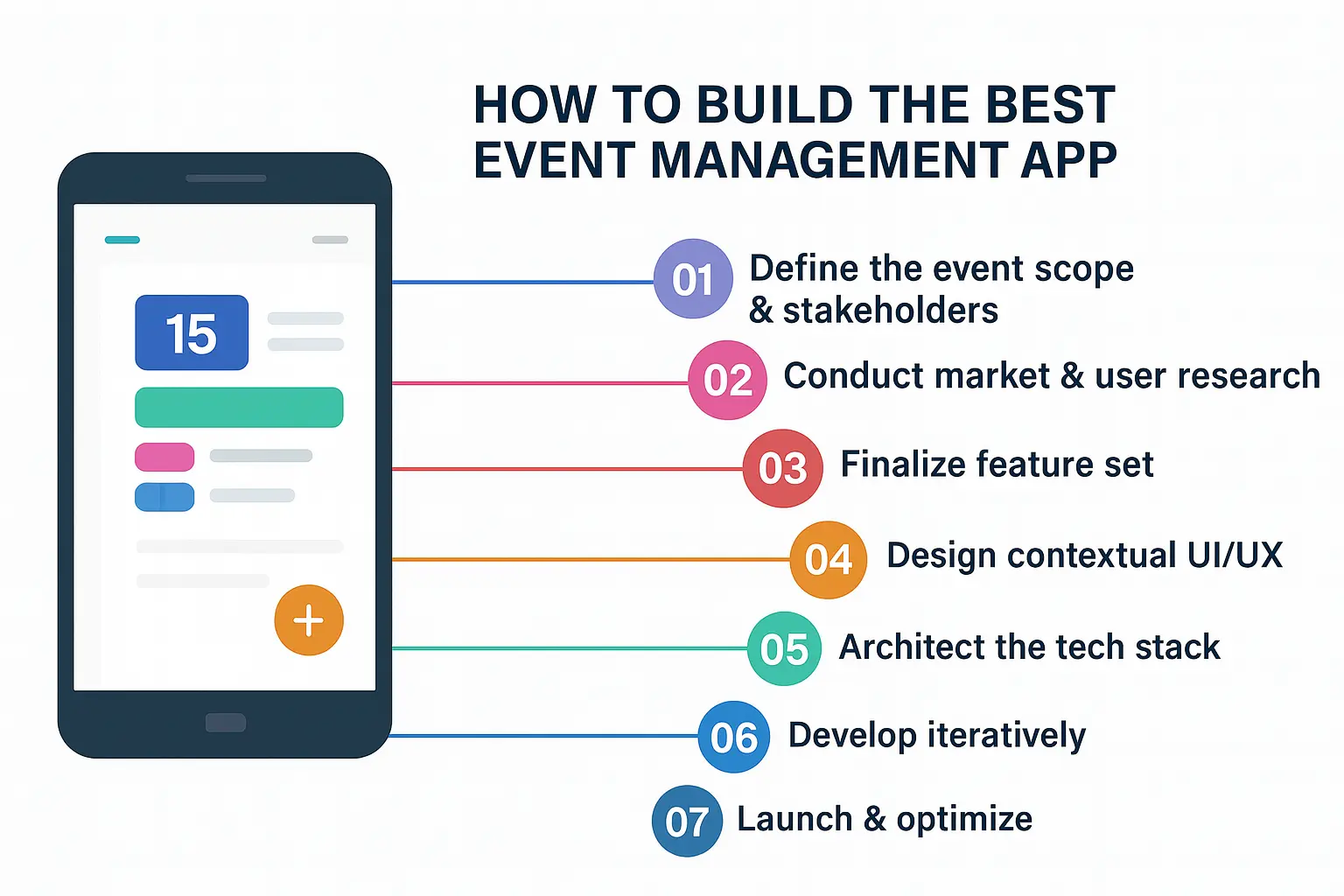
Creating a habit tracker app requires clarity about its purpose and functionality. A habit tracker app is designed to help users establish and maintain daily routines and goals through monitoring and feedback. This introductory phase involves defining your market, identifying key features, and understanding what sets your application apart from competitors.
Before embarking on habit tracker app development, take a moment to study the different existing apps within your niche. Analyze their strengths and weaknesses by reading reviews and user feedback. Understand the needs and pain points of your prospective users, which will be crucial in creating a unique selling proposition for your habit tracker app.
Establishing Key Features in Developing a Habit Tracker App
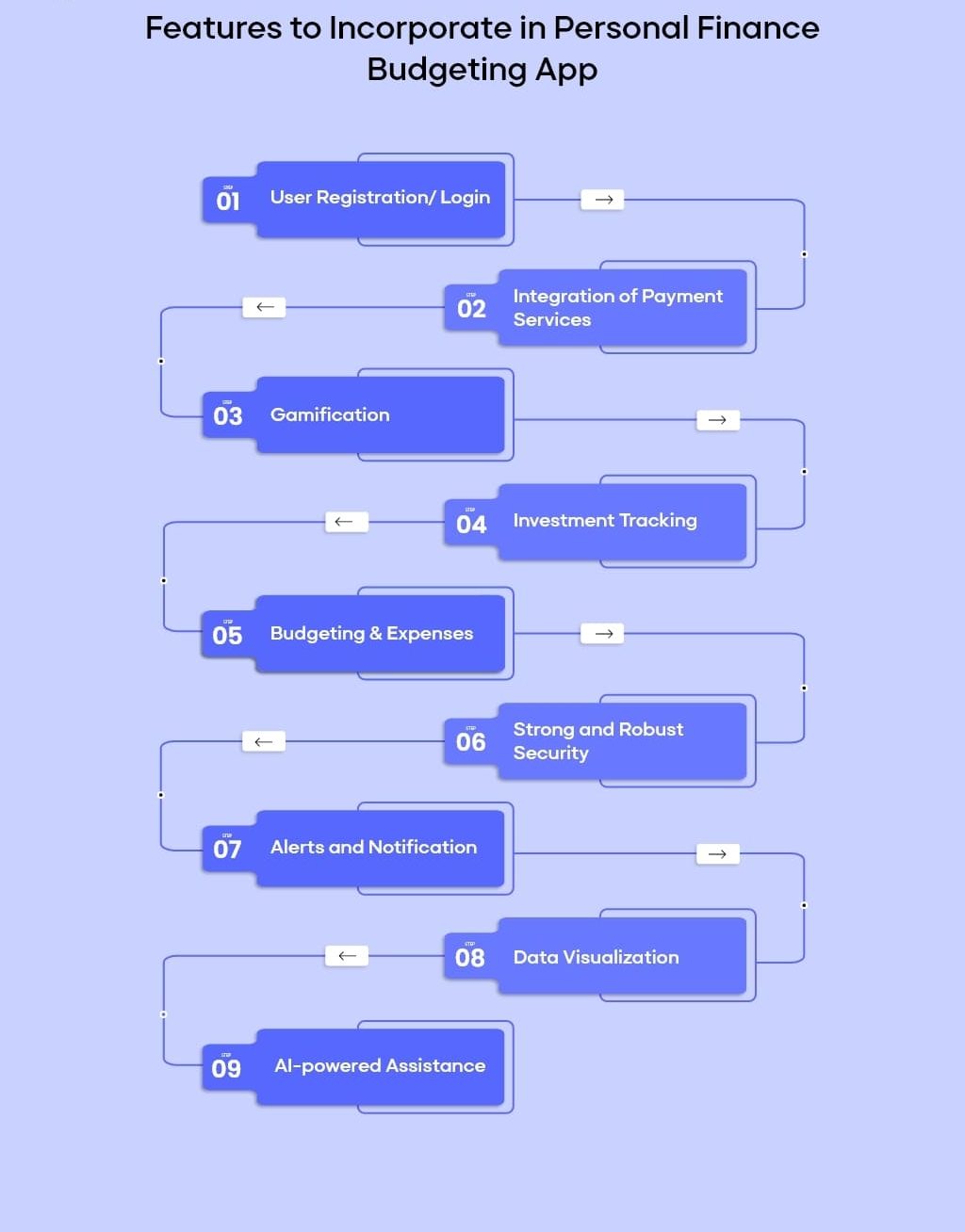
Designing a successful habit tracker app involves careful consideration of crucial features that enhance user experience. Prioritize simplicity, functionality, and engagement in your development process. Let’s explore some essential features that you should consider when building a habit tracker app:
User Registration and Profile Management
The user registration feature is fundamental in how you start a habit tracker app. It allows users to create personalized profiles, reflecting their habits and goals. Incorporate social media sign-up options for convenience and a streamlined registration process.
Goal Setting and Tracking
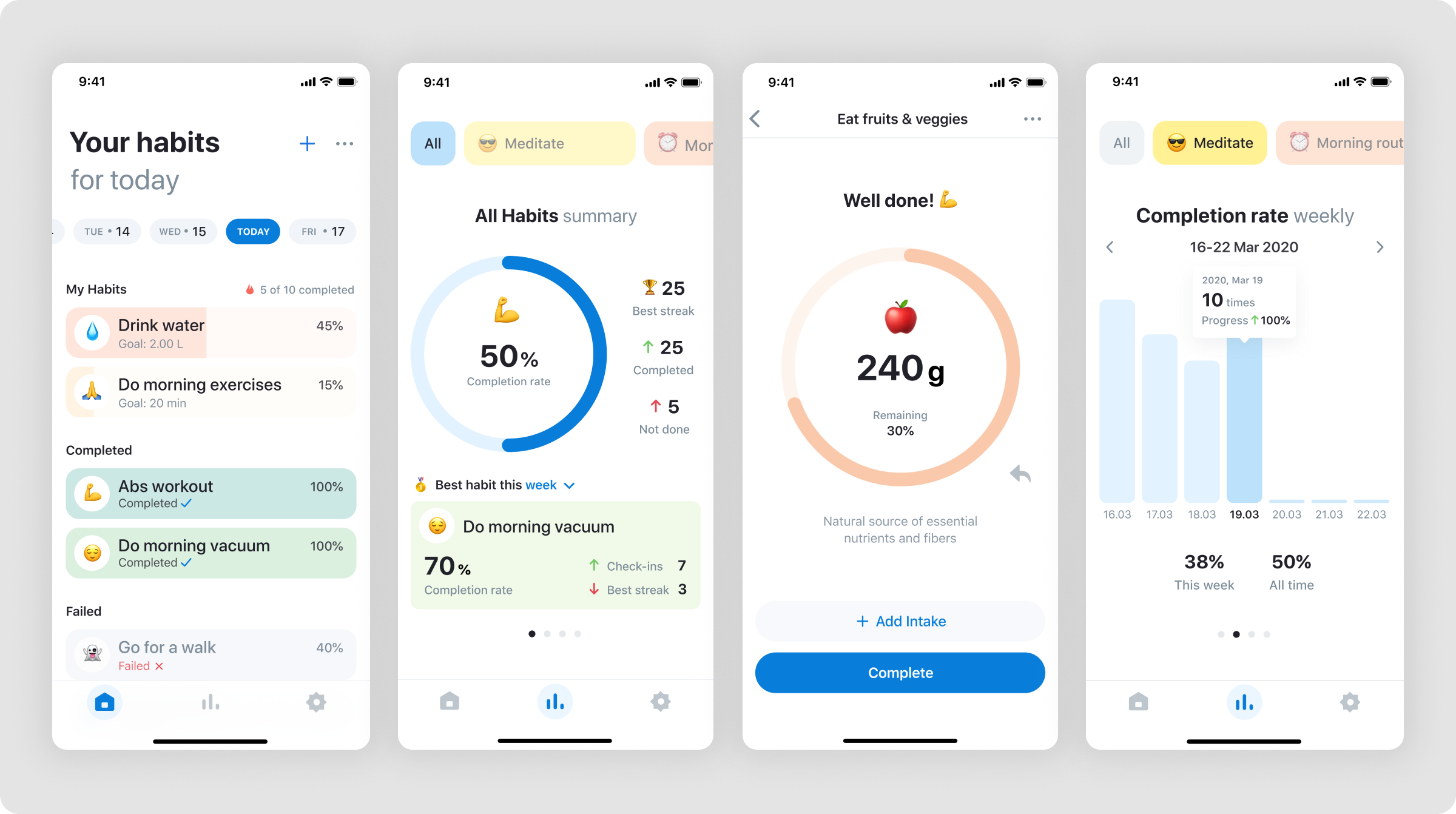
The centerpiece of any habit tracker application development is setting and tracking habits. Offer customizable habit categories and flexible timeframes for habit tracking. Provide users with visual progress indicators such as streaks, progress bars, or pie charts to maintain motivation.
Notifications and Reminders
A crucial element in making your own habit tracker app successful is including intelligent notification systems. Timely reminders ensure that users remain on track with their habits. Integrate settings for frequency, type, and time of notifications to cater to individual preferences.
Data Analytics and Reporting
Empower users by offering insightful analytics features as part of your habit tracker app. Aggregate data related to successful habit formation and present it through clear, informative reports. This will enhance user engagement by enabling them to understand patterns and achievements in their habit development journey.
Integration with Other Applications
Integration capabilities are vital in developing a habit tracker app. Allow your app to interface with fitness trackers, calendars, or task management tools. Such integration enriches the overall user experience by enabling seamless data flow and coordination across various personal productivity and wellness tools.
The Design Phase: Wireframing and User Interface Design
Once you have established the essential features, the next step in how to make your own habit tracker app involves focusing on design. A user-friendly interface can significantly impact user satisfaction and retention, making your app appealing and engaging.
Embrace modern design principles such as simplicity, color psychology, and intuitive navigation when you create a habit tracker app. Tools like Adobe XD, Sketch, or Figma aid in wireframing and mockup creation. Optimize your design for mobile responsiveness, ensuring optimal functionality across various devices and screen sizes.
Selecting the Right Technology Stack for Habit Tracker Mobile App Development
Choosing the appropriate technology stack is crucial in habit tracker app development. Your choice impacts functionality, performance, security, and scalability. Focus on opting for technologies that align with the goals of your application and support continuous updates and improvements.
Consider platforms such as:
–Frontend Technologies: React Native, Flutter, or Swift for iOS and Kotlin for Android.
–Backend Technologies: Node.js, Django, or Ruby on Rails for server-side operations.
–Database Management: Firebase, MongoDB, or SQL for data storage and management.
Balancing technology selection with the scope and complexity of your project ensures performance efficiency and overall integrity for your application.
The Development Process: Coding and Testing
Immersing into coding becomes the next step after the groundwork in habit tracker tracker app development. Begin by creating an MVP (Minimum Viable Product) to test core functionalities and gather initial user feedback. This approach mitigates risks and provides a foundation for iterative improvements.
In making your habit tracker app, testing is the best practice to ensure bug-free and smooth functioning. Conduct both manual and automated testing on different devices and platforms. Stress testing your app’s performance under various traffic loads prepares you for any scenario upon launch.
Launch Strategies: From Beta Testing to Market Entry
Approaching the launch of your habit tracker mobile app requires strategic planning and execution. Effective launch strategies ensure visibility and user adoption upon release. The following stages will guide you in how to create your own habit tracker app launch:
Beta Testing
Before a full-scale launch, beta testing offers valuable insights and assists in identifying unresolved issues. Engage a small group of beta testers reflecting your target audience. Gather actionable feedback and implement necessary adjustments to your app.
Marketing and Promotion
Build a buzz around your app launch through targeted marketing strategies. Leverage social media platforms and digital marketing campaigns to reach a broader audience. Create informative and promotional content that highlights your app’s unique features and benefits.
Post-Launch Updates and Improvements
App development does not conclude with its launch. Post-launch updates are paramount in maintaining relevance and competitiveness. Gather user feedback, track app performance, and continuously implement improvements and new features based on user demand.
| Feature | Description | Benefits |
| User Registration | Enables personalized user accounts | Enhances user experience by allowing customization |
| Goal Setting | Allows establishing and tracking habits | Improves motivation through clear progress tracking |
| Notifications | Sends reminders and alerts | Boosts adherence to habits and goals |
| Data Analytics | Provides habit performance insights | Offers actionable data to users for improvement |
| Integration | Connects with other apps and tools | Enriches functionality and convenience for users |
Final Thoughts on How to Develop a Habit Tracker App
Understanding the development lifecycle from idea to launch is fundamental in building a habit tracker app. A successful app requires thorough market research, focusing on user needs, designing an intuitive interface, and utilizing appropriate technologies. Embrace continuous learning and improvement to ensure your habit tracker app stays ahead of trends and effectively serves its users, empowering them to build lasting positive habits.
In conclusion, creating a habit tracker app is an exciting yet complex process that demands strategic planning, innovative design, and meticulous execution. The road from idea to launch comes with challenges, but each stage is an opportunity for learning and enhancement. As you explore how to create a habit tracker app, remember an application’s ultimate success lies in its ability to transform user habits positively, encouraging a journey toward self-improvement and productivity.